环境
Flutter 3.29
macOS Sequoia 15.4.1
Xcode 16.3
iOS 13.4.1
集成image_picker 在Flutter中可以使用image_picker插件实现从相册中获取图片
添加插件 flutter中访问相册image_picker插件
1
2
¥ flutter pub add image_picker ¥ flutter pub get
Xcode工程的GeneratePluginRegistrant新增了对应的注册代码
1
2
3
4
5
+ (void )registerWithRegistry:(NSObject <FlutterPluginRegistry>*)registry { ... [FLTImagePickerPlugin registerWithRegistrar:[registry registrarForPlugin:@"FLTImagePickerPlugin" ]]; ... }
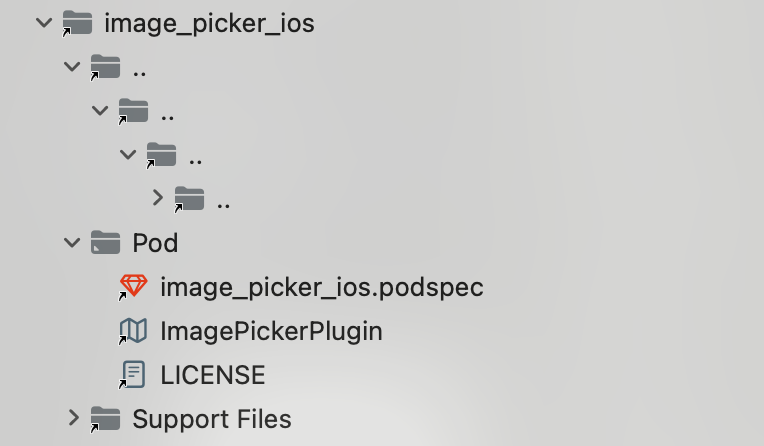
更新Xcode的pod依赖
添加权限 1 2 3 4 5 6 7 8 <key > NSPhotoLibraryUsageDescription</key > <string > 需要访问相册以选择图片</string > <key > NSCameraUsageDescription</key > <string > 需要访问相机用于拍照</string > <key > NSMicrophoneUsageDescription</key > <string > 需要访问麦克风用于拍摄视频</string >
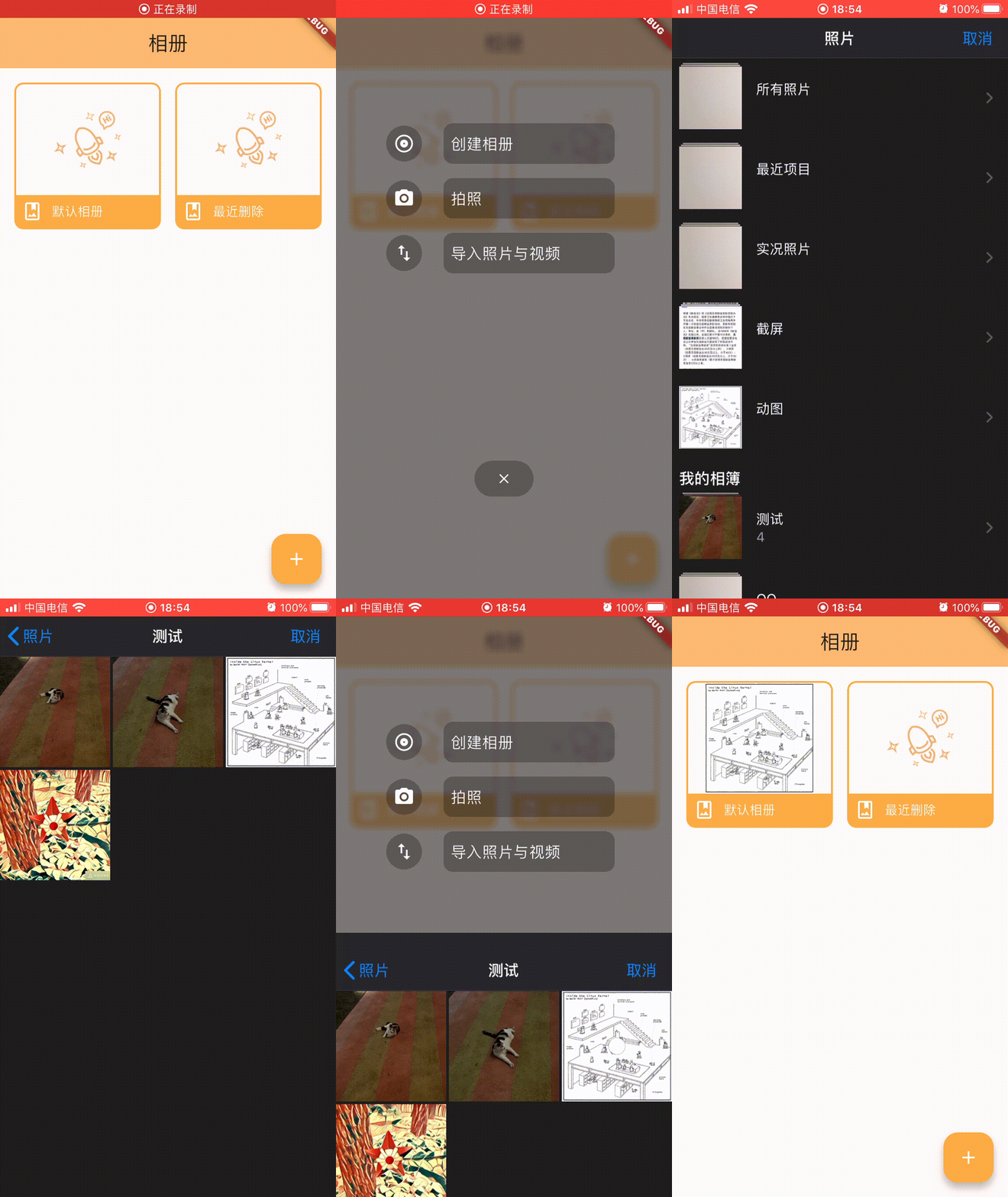
获取单张照片 可以使用ImagePicker().pickerImage()获取单张图片
1 2 3 else if (index == 2 ) { _pickImage (ImageSource .gallery), }
1 2 3 4 5 6 7 8 9 10 11 12 13 14 15 16 17 Future <void > _pickImage (ImageSource source) async { try { final pickedFile = await ImagePicker ().pickImage (source: source); if (pickedFile != null ) { setState (() { if (mounted) { Navigator .pop (context, File (pickedFile.path)); } }); } } catch (e) { debugPrint ("图片选择错误: $e " ); } }
在上一个界面接收从相册中选择的图片并刷新界面
1 2 3 4 5 6 7 8 9 10 11 12 13 14 15 16 17 18 19 20 21 22 23 24 25 26 27 28 29 30 31 32 33 34 35 36 37 38 39 40 floatingActionButton: FloatingActionButton ( onPressed: () async { final result = await menuWidget (context: context); if (result != null ) { setState (() { _defaultCover = result; }); } }, backgroundColor: Colors .orangeAccent, child: const Icon (Icons .add, color: Colors .white), ), Future menuWidget ({required BuildContext context}) async { return Navigator .push ( context, PageRouteBuilder ( opaque: false , barrierColor: Colors .black.withValues (alpha: 0.2 ), pageBuilder: (context, animation, secondaryAnimation) => PopScope (canPop: true , child: MenuWidget ()), transitionsBuilder: (context, animation, secondaryAnimation, child) => SlideTransition ( position: Tween <Offset >( begin: const Offset (0.0 , 2.4 ), end: Offset .zero, ).animate (animation), child: SlideTransition ( position: Tween <Offset >( begin: Offset .zero, end: const Offset (0.0 , 2.4 ), ).animate (secondaryAnimation), child: child, ), ), ), ); }
iOS
Andorid
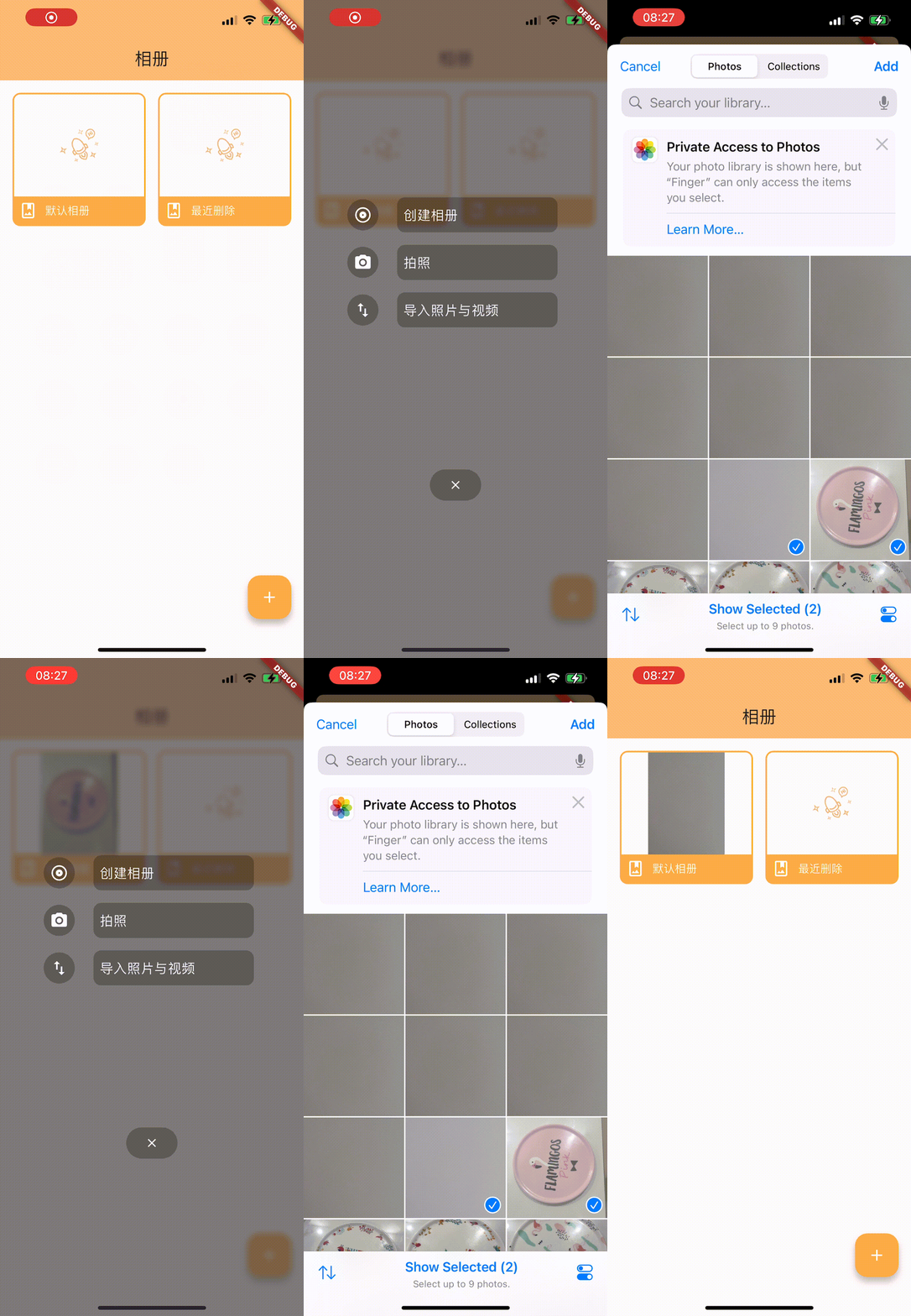
获取多张照片 可以使用ImagePicker().pickMultiImage()获取多张图片
1 2 3 4 5 6 7 8 9 10 11 12 13 14 15 Future <void > _pickMultiImage () async { try { final pickedFiles = await ImagePicker ().pickMultiImage (limit: 9 ); if (pickedFiles.isNotEmpty) { setState (() { if (mounted) { Navigator .pop (context, pickedFiles); } }); } } catch (e) { debugPrint ("图片选择错误: $e " ); } }
1 2 3 4 5 6 7 8 9 10 11 12 13 14 15 16 17 18 floatingActionButton: FloatingActionButton ( onPressed: () async { final result = await menuWidget (context: context); if (result != null ) { setState (() { if (result is XFile ) { _defaultCover = result; } else if (result is List <XFile >) { _defaultCover = result[0 ]; } }); } }, backgroundColor: Colors .orangeAccent, child: const Icon (Icons .add, color: Colors .white), ),
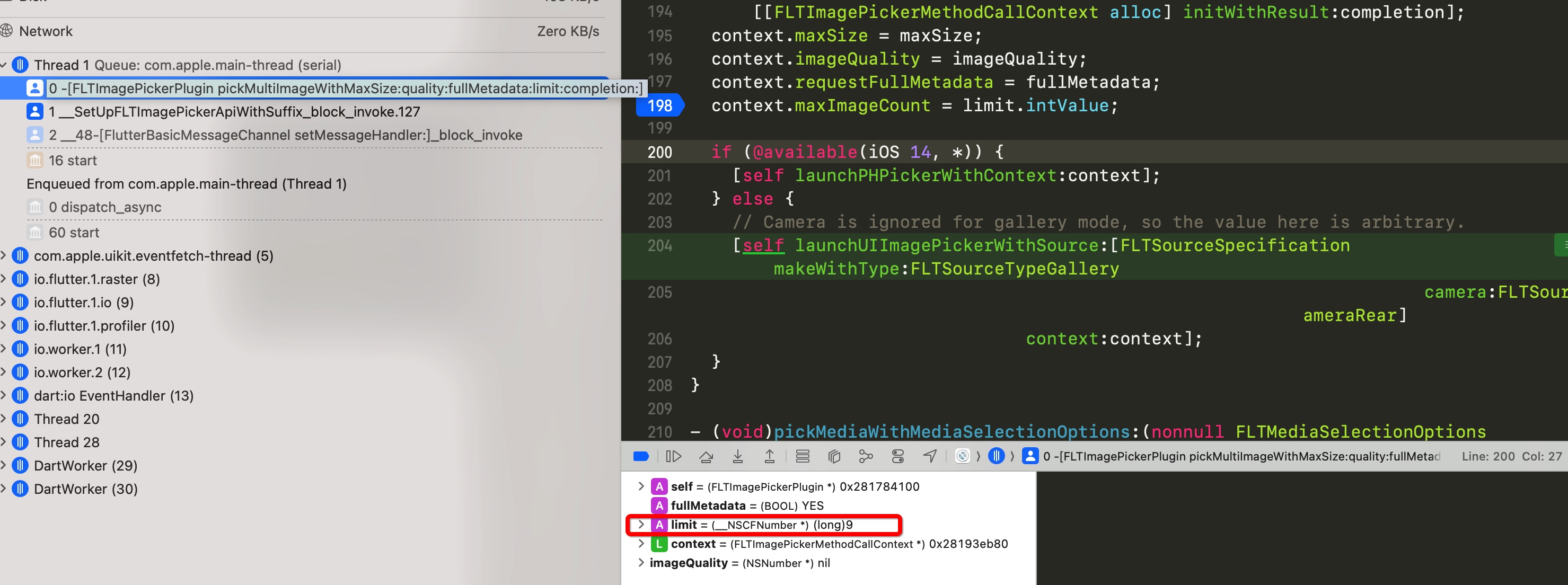
选择多张照片在iOS平台上只在14+才生效,用的是PhotosUI.framework中的PHPicker,因为手上测试机是13.4.1设备一直无法多选图片,查看源码
1 2 3 4 5 6 7 8 9 10 11 12 13 14 15 16 17 18 19 20 21 22 23 - (void )pickMultiImageWithMaxSize:(nonnull FLTMaxSize *)maxSize quality:(nullable NSNumber *)imageQuality fullMetadata:(BOOL )fullMetadata limit:(nullable NSNumber *)limit completion:(nonnull void (^)(NSArray <NSString *> *_Nullable, FlutterError *_Nullable))completion { [self cancelInProgressCall]; FLTImagePickerMethodCallContext *context = [[FLTImagePickerMethodCallContext alloc] initWithResult:completion]; context.maxSize = maxSize; context.imageQuality = imageQuality; context.requestFullMetadata = fullMetadata; context.maxImageCount = limit.intValue; if (@available(iOS 14 , *)) { [self launchPHPickerWithContext:context]; } else { [self launchUIImagePickerWithSource:[FLTSourceSpecification makeWithType:FLTSourceTypeGallery camera:FLTSourceCameraRear] context:context]; } }
limit值传了9,但是launchUIImagePickerWithSource:context:中没有对limit做任何处理代码
1
2
3
4
5
6
- (void )launchUIImagePickerWithSource:(nonnull FLTSourceSpecification *)source context:(nonnull FLTImagePickerMethodCallContext *)context { UIImagePickerController *imagePickerController = [self createImagePickerController]; imagePickerController.modalPresentationStyle = UIModalPresentationCurrentContext ; imagePickerController.delegate = self ; ...
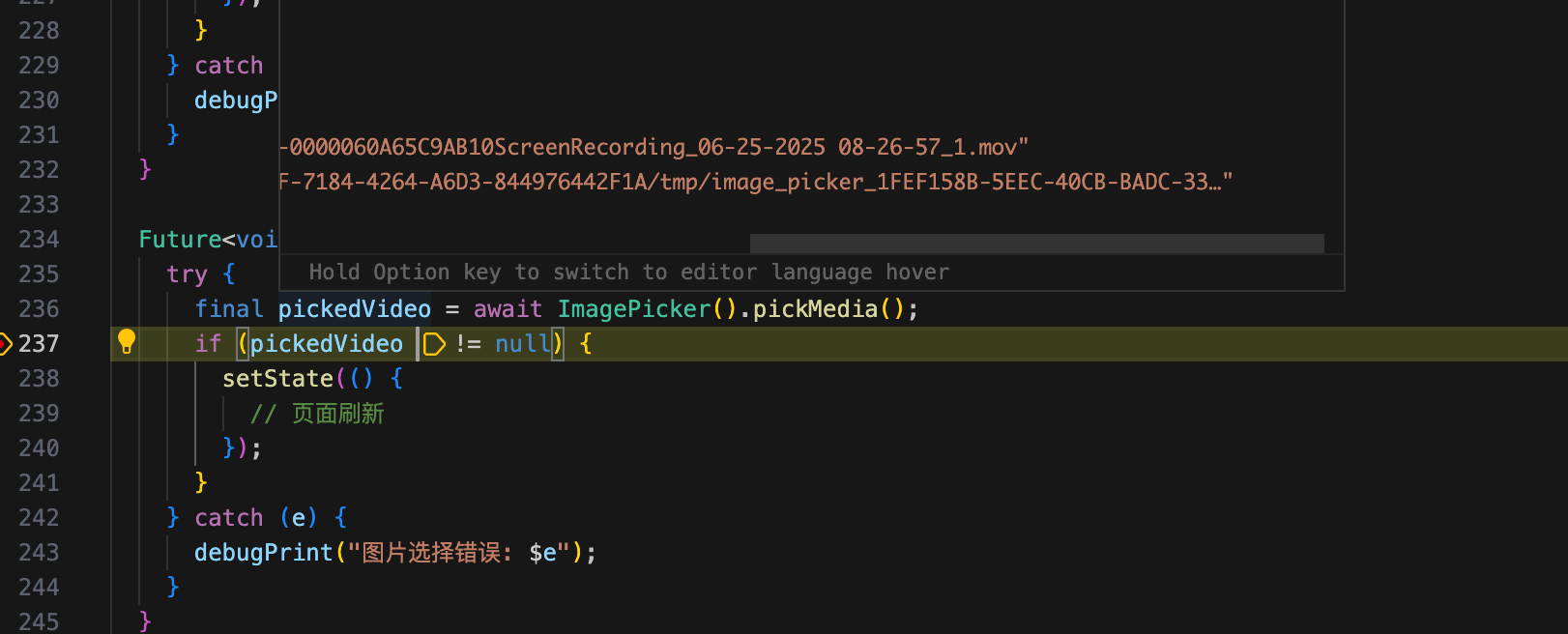
获取视频 使用ImagePicker().pickMedia()可以从相册获取视频文件
1
2
3
4
5
6
7
8
9
10
11
12
Future <void > _pickVideo () async { try { final pickedVideo = await ImagePicker ().pickMedia (); if (pickedVideo != null ) { setState (() { }); } } catch (e) { debugPrint ("图片选择错误: $e " ); } }
获取多媒体文件 使用ImagePicker().pickMultipleMedia()可以从相册获取视频和照片
1
2
3
4
5
6
7
8
9
10
11
Future <void > _pickMultiMedia () async { try { final pickedMedia = await ImagePicker ().pickMultipleMedia (); setState (() { Navigator .pop (context, pickedMedia); }); } catch (e) { debugPrint ("图片选择错误: $e " ); } }
参考
Image Picker plugin for Flutter